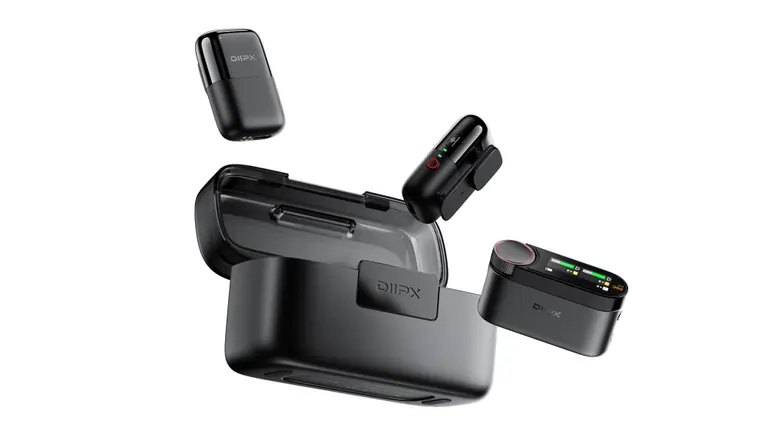
 DiipX ClipAir
 DiipX Eido
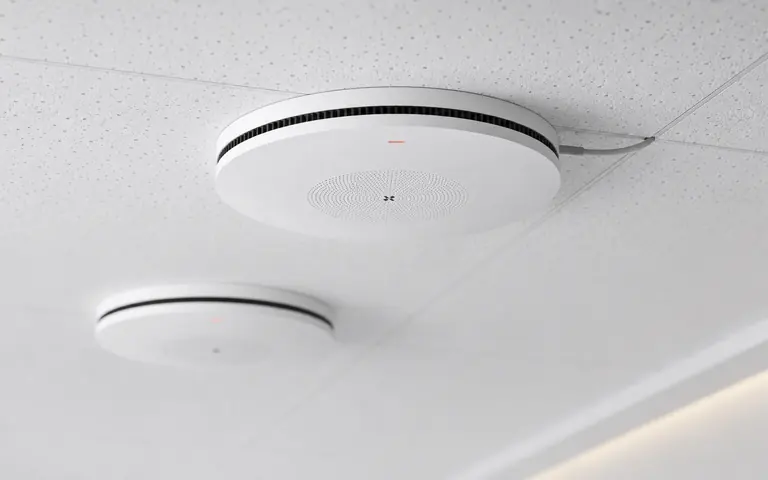 SkyCeil C30
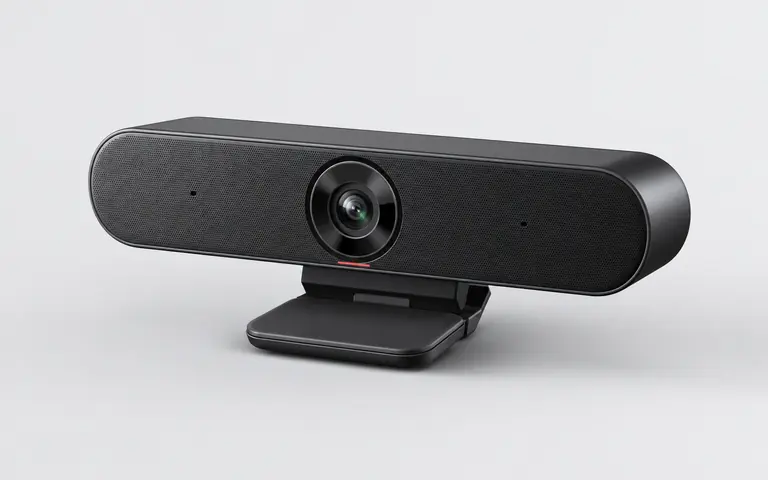 ViewCam V10
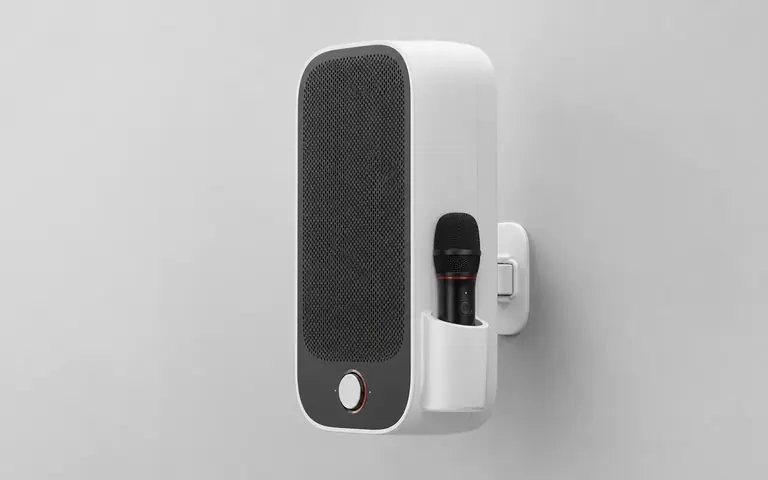 WallSound S20
Bind device
Use the serial number to connect orders and warranty records, and manage team devices and service history in one place.
Find product setup, firmware downloads, warranty repair, meeting-room deployment and enterprise project support. You can also sign in with DiipX ID to manage devices and service progress.
Sign in to DiipX ID to view device and warranty records. Account
Choose a device to explore its guide, connections and support options. Use the contact page for project products.
Use the serial number to connect orders and warranty records, and manage team devices and service history in one place.
Get the available product guide and DiipTools. Follow the tool instructions for firmware updates.
View resourcesCheck warranty status and submit inspection, repair, replacement and accessory support requests.
Selection, deployment and long-term maintenance for meeting rooms, education spaces and OEM/ODM projects.
Contact salesSave purchase intent, invoice details, device serial numbers, warranty status and service-ticket progress. Enterprise teams can manage by project.
Check USB/Bluetooth connection, system audio permissions, and select the DiipX microphone and speaker in the meeting software.
Download the firmware package for the model, keep power stable, follow the upgrade tool and reconnect the device.
Confirm speaker output, microphone input and meeting-software noise-reduction settings. Avoid multiple devices picking up at the same time.
Choose desktop, speakerphone or ceiling solutions by room area, attendees, table layout, cabling and platform ecosystem.
Serial numbers are usually on the bottom of the device, package label or purchase record. Bind it for warranty and repair lookup.
Prepare space drawings, device quantities, meeting platform, network and power conditions. DiipX can provide deployment advice.